LevelLounge turns your PC into a console: every game from Steam, Epic, GOG, Ubisoft, EA, Xbox and Roblox in one interface, fully playable with a controller – retro consoles built in. And if you want, LevelLounge takes you further: courses in code, video, 3D and music, goals with streaks, and a community that pulls you along.

Library, controller, built-in retro consoles, TV mode, entertainment and LevelLounge Pro – with narration, so sound on.
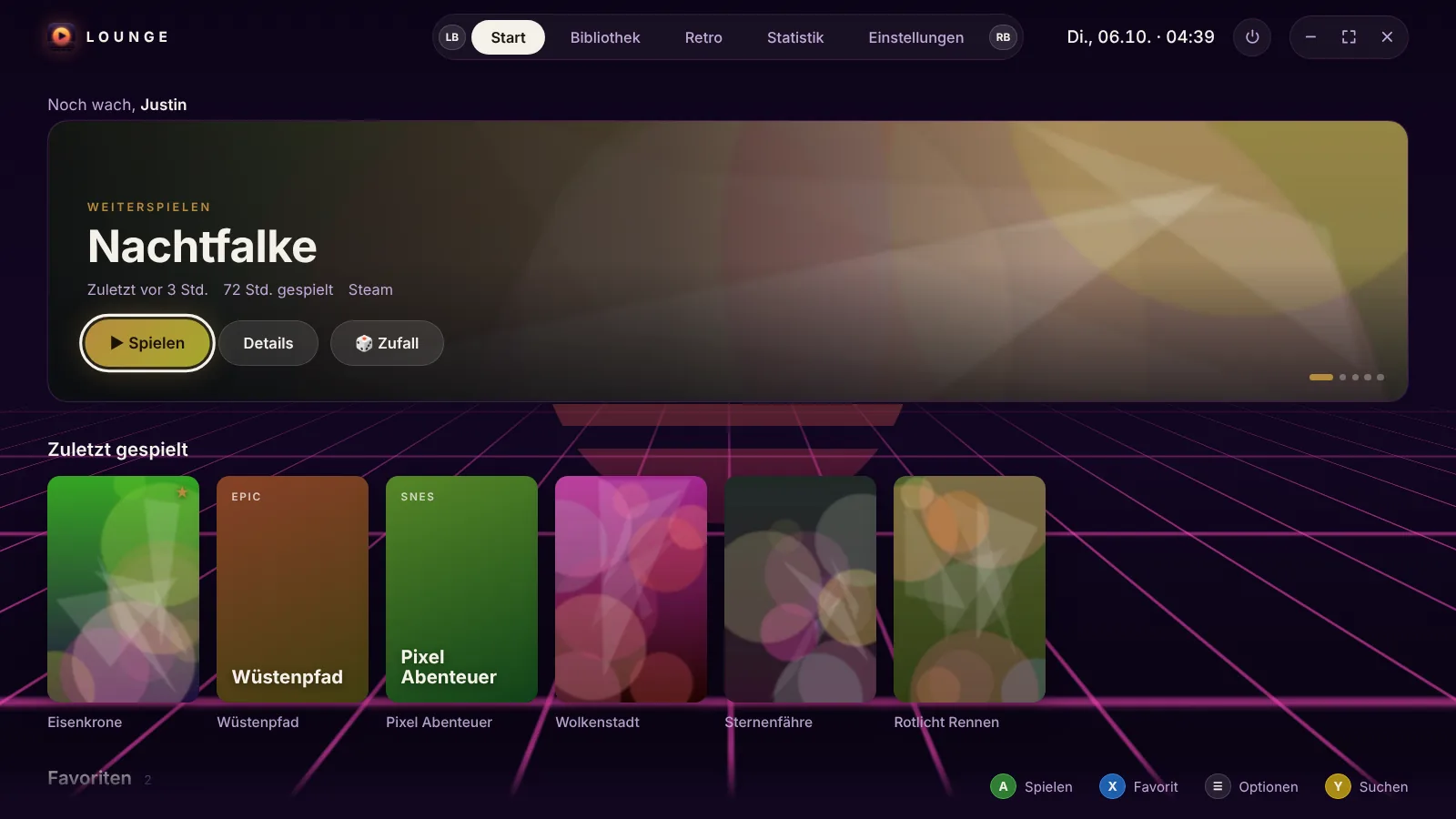
LevelLounge finds your installed games on its own and launches them the usual way. No need to sign in anywhere or link anything.
Xbox and PlayStation controllers with matching button icons, vibration, on-screen keyboard. Mouse and keyboard work too, of course.
Game Boy, GBA, NES, SNES, N64, PlayStation, DS, Mega Drive and more run right inside LevelLounge – no extra program needed. PS3, 3DS, Wii U & co. are installed by LevelLounge in one click.
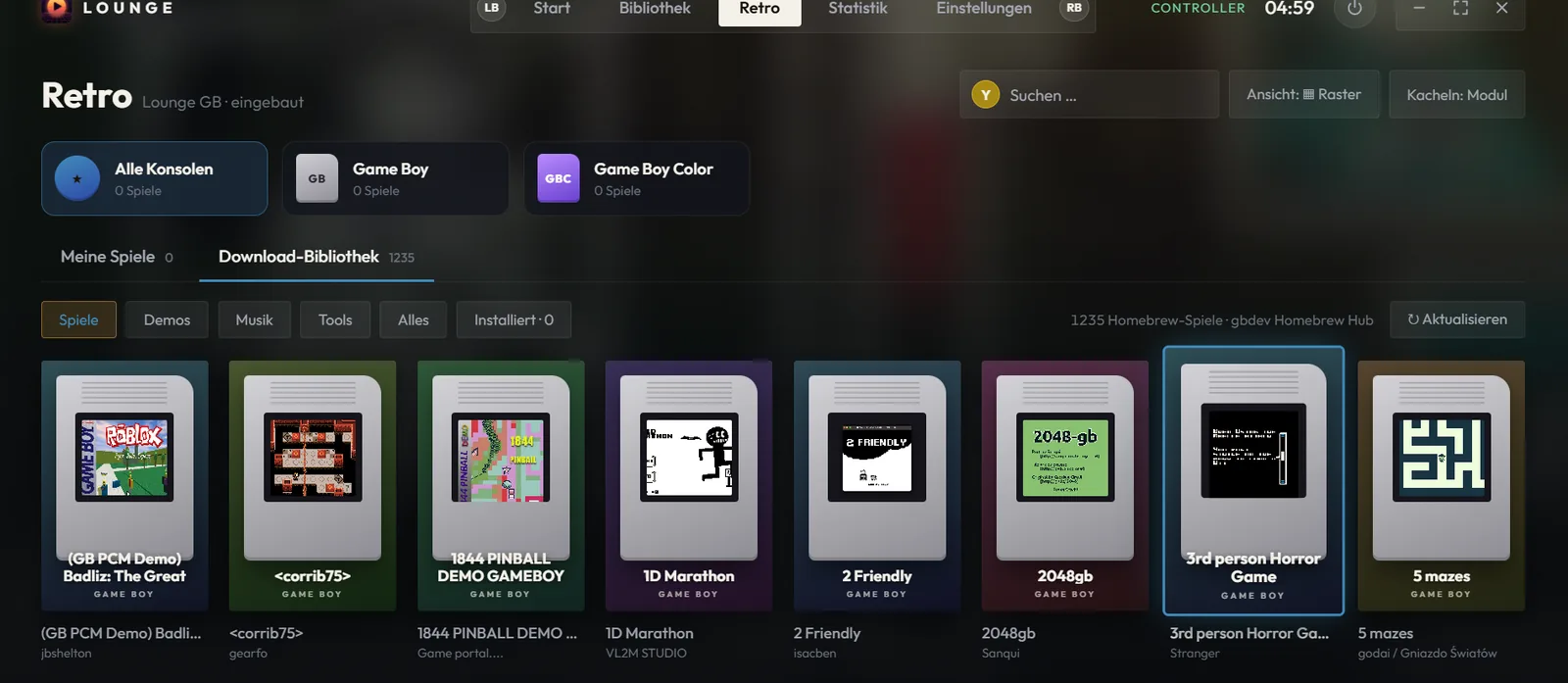
Around 1,600 free homebrew games for eight consoles. One click downloads them and launches them right away.
LevelLounge tracks every session and shows you weekly trends, streaks and your most-played titles – all stored locally.
Just start typing. Ctrl+K finds any game (even “gta”), any setting, streaming services and collections. Enter launches instantly.
Turn on your controller, press A – LevelLounge moves to your TV along with the sound and even switches the TV on. Back to your desk with a single button.
What’s free right now (Epic, Steam, GOG …) with a reminder when it goes live – plus the complete PC Game Pass with “New” and “Installed”.
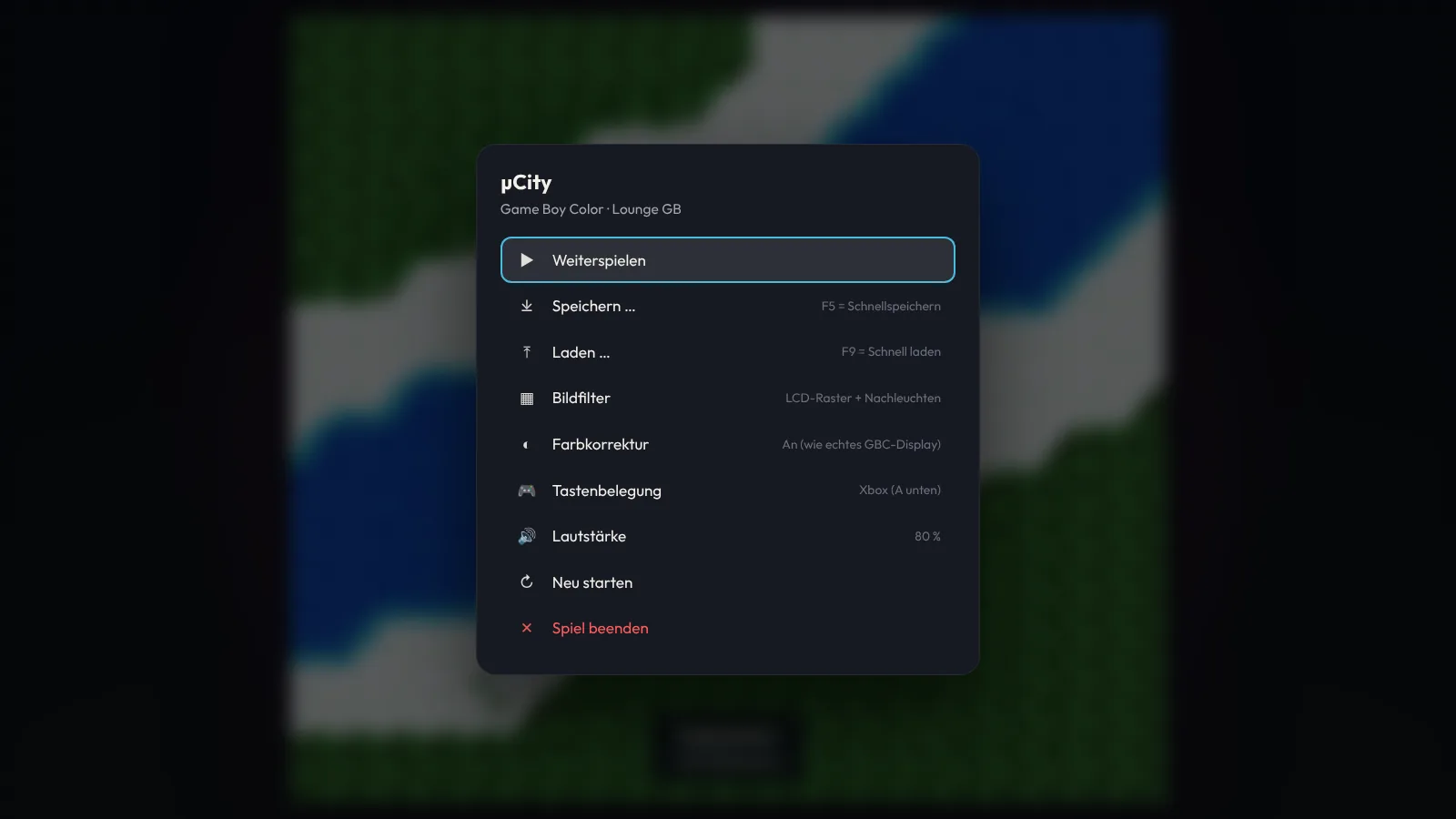
The Xbox button opens LevelLounge on top of any game. Retro games pick up exactly where you left off the next time you launch them.
YouTube, Netflix, Prime Video, Disney+, Twitch, Spotify and the TV networks’ on-demand libraries – your controller becomes the remote. Fell asleep? The sleep timer turns everything off.
Scan the QR code, enter the code – and your phone controls LevelLounge, types search terms and launches games from a cover list. Home network only.
Runs invisibly in the background. View + Y on the controller or Ctrl + Alt + F switches between couch and desk from anywhere.
No server, no account, no stats about you. LevelLounge blocks every network connection unless you turn it on yourself.
During setup you choose: 🎮 Gaming – LevelLounge is your launcher, nothing else. Or 🚀 Gaming & getting ahead – then the “Learn” section is added. You can switch anytime.
Building Roblox games, Python, video editing, Blender, music, streaming – short lessons with a real task and a quiz question, all with the controller.
A lesson every day, exercise, reading – with streaks, reminders and, if you like, “this first, then play”.
Touch typing, mental math, English vocabulary – short, quick, with a leaderboard among friends.
Everything you learn and achieve counts – visible on your profile.
Real screenshots, no mockups.

No third-party program, no setup: point it to a folder with your ROMs or load a homebrew game, press A, play. Saves back themselves up every two seconds.
Your TV is connected to your PC via HDMI, but day to day it’s not a third screen. Turn on a controller and LevelLounge asks: “Switch to the TV?” – press A, and picture, sound and LevelLounge move to the couch.
With an account you can download LevelLounge, see your playtime stats, compete on the leaderboard and take your settings, favorites and save games to any PC. All optional – LevelLounge works perfectly without one, too.
Your most-played games, the last 14 days and your total time – uploaded only if you turn on “Share stats”.
Who spends the most time on the couch? And which games is everyone playing right now? You decide whether you’re visible.
Settings, favorites and save games from the built-in emulators land on the LevelLounge server and show up again on your next PC.
Create an account, wait briefly for approval, then download the single file. No installation – put it wherever you like.
If Windows shows “Windows protected your PC”, click More info → Run anyway. This only happens the first time.
Name, look, sound, retro – five quick steps. After that you’ll already see all your games.
b152440b11c0eee228cf54059bda477ab635305780c1bca911b2b3058e023e9fOnly if you want it to. Without signing in, LevelLounge blocks every network connection. If you sign in to LevelLounge with your account, you can turn on stats upload and cloud sync individually – the data then goes only to this server, nowhere else. The download library and emulator downloads only talk to GitHub.
The file isn’t signed with a paid certificate, so Windows SmartScreen doesn’t know it yet. Click “More info” → “Run anyway” to start it anyway – after that, Windows won’t ask again.
In %APPDATA%\LevelLounge. Under Settings › Data you can back up everything to a folder of your choice and restore it with a single click.
Game Boy and Game Boy Color run directly in LevelLounge. For all other consoles – PS3, 3DS, Switch, Wii U, Xbox 360, PS2, GameCube, N64, SNES and more – LevelLounge integrates external emulators like RPCS3, Azahar, Ryujinx, Cemu, Xenia, PCSX2 or Dolphin via presets. PS3 games are detected complete with original artwork. You bring your own games or download free homebrew games from the download library.
The Xbox button opens the LevelLounge overlay on top of the game (or Select). Holding Select + Start for one second quits the game. On the PC, Ctrl+Alt+L brings LevelLounge to the front. When you close a game, LevelLounge comes back on its own.
Philips TVs with Android/Google TV over your home network (pair once with a PIN, enable “Switch on with Wi-Fi” on the TV). Other TVs with a Pulse-Eight USB-CEC adapter. Graphics cards themselves can’t switch a TV on. Switching picture and sound works with any TV.
Then just do nothing: after 20 seconds without confirmation, LevelLounge automatically switches back to the desk. In an emergency, Win+P also helps.